
Flow Interaction
Interaction Design with Flow Interaction
Separate actor-side target selection from object-side interaction response.
- Audience
- Gameplay designers and developers
- Time
- 10 minutes
- Requires
- An actor and at least one interactable object
- Modules
- Flow Interaction
On this page
Flow Interaction models an actor choosing and using an object. The Flow Interaction Owner scans and selects. The Flow Interaction Target defines an available object, its interaction point, priority, and feedback. Graph logic decides the gameplay consequence.
Owner and Target
The Owner is the actor. It has a scan radius, selection mode, current target, optional explicit target, and Focus, Blur, and Interact events.
The Target is the object. It has a target radius, priority, local interaction point, availability, optional model root, optional Canvas feedback, and its own event routes.
Select either component and choose Open Full Configuration. Use Main for selection or interaction settings and Debug for runtime observations.
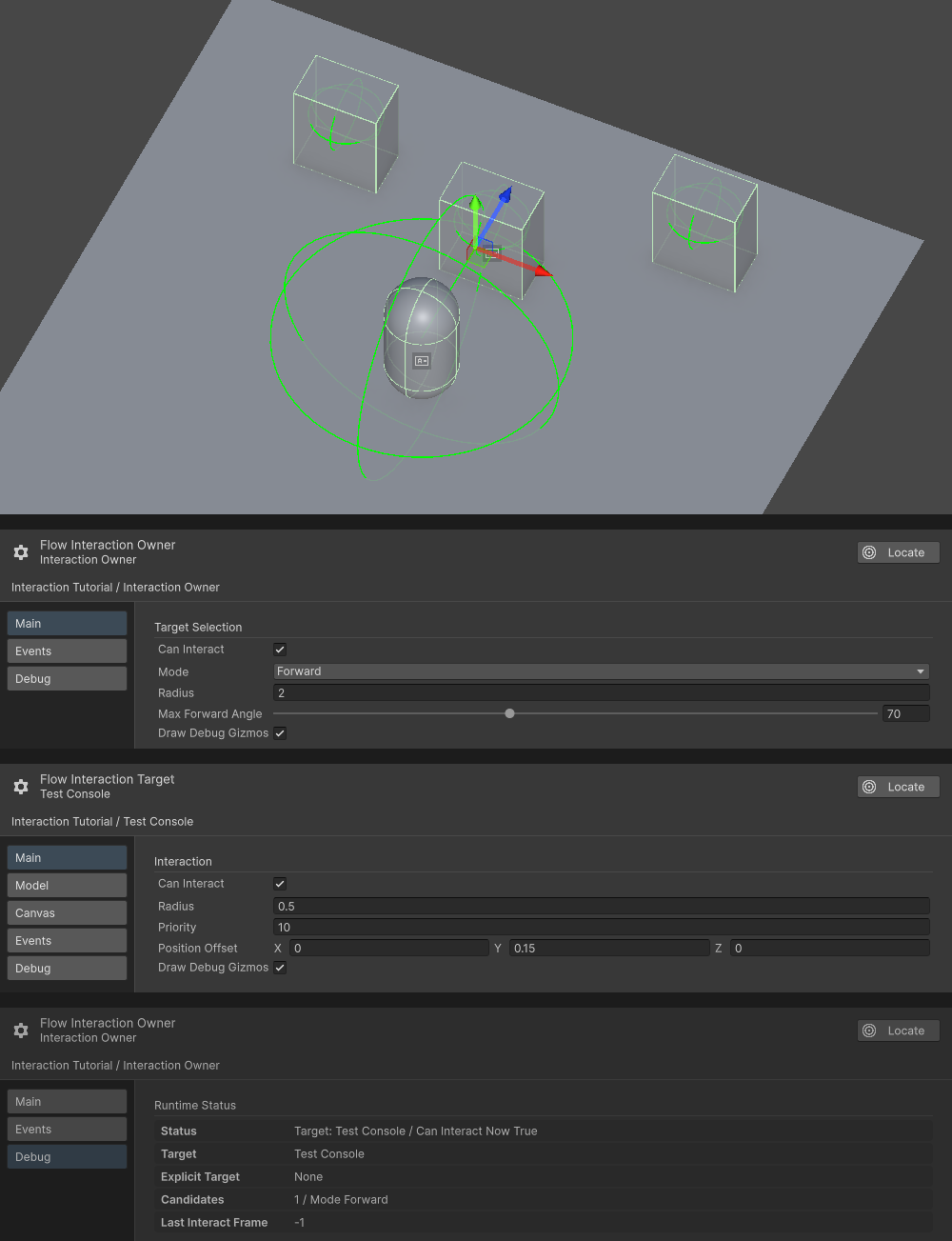
The Scene view shows the Owner and all three Target radii. Edit Mode Main panels show Forward, Owner Radius 2, Max Forward Angle 70, and Test Console Radius 0.5. The separate Play Mode Debug panel shows one candidate and Test Console as the current Target.
Runtime sequence
Focus is selection feedback, not the gameplay action. Blur removes that focus. Interact occurs only when requested and the current Target remains valid. Keep inventory changes, dialogue starts, pickups, and other consequences on the Interact route.
Choose a selection mode
| Mode | Use for | Design effect |
|---|---|---|
| Nearest | Pickups and forgiving proximity use | Distance dominates after target priority. |
| Forward | Conversations and intentional object use | The actor must face within the configured angle. |
| Explicit | Tutorials, lock-on, scripted moments, or UI selection | Graph logic assigns the target directly. |
Use Target priority sparingly. If every Target has elevated priority, nearby selection becomes difficult to predict.
Tune discoverability
- Owner radius defines how far the actor can discover candidates.
- Target radius makes large or important objects easier to include.
- Forward angle controls how precise facing must be.
- The local interaction point should match where the player expects to use the object, not necessarily its pivot.
- Canvas feedback can explain focus, while graph-owned UI handles larger panels and consequences.
Module boundary
Flow Interaction does not own quests, dialogue content, inventory, or input bindings. It detects and routes intent. A graph may respond by playing a Flow Character Gesture, changing Flow Stats, activating a Camera Shot, or calling an external system.
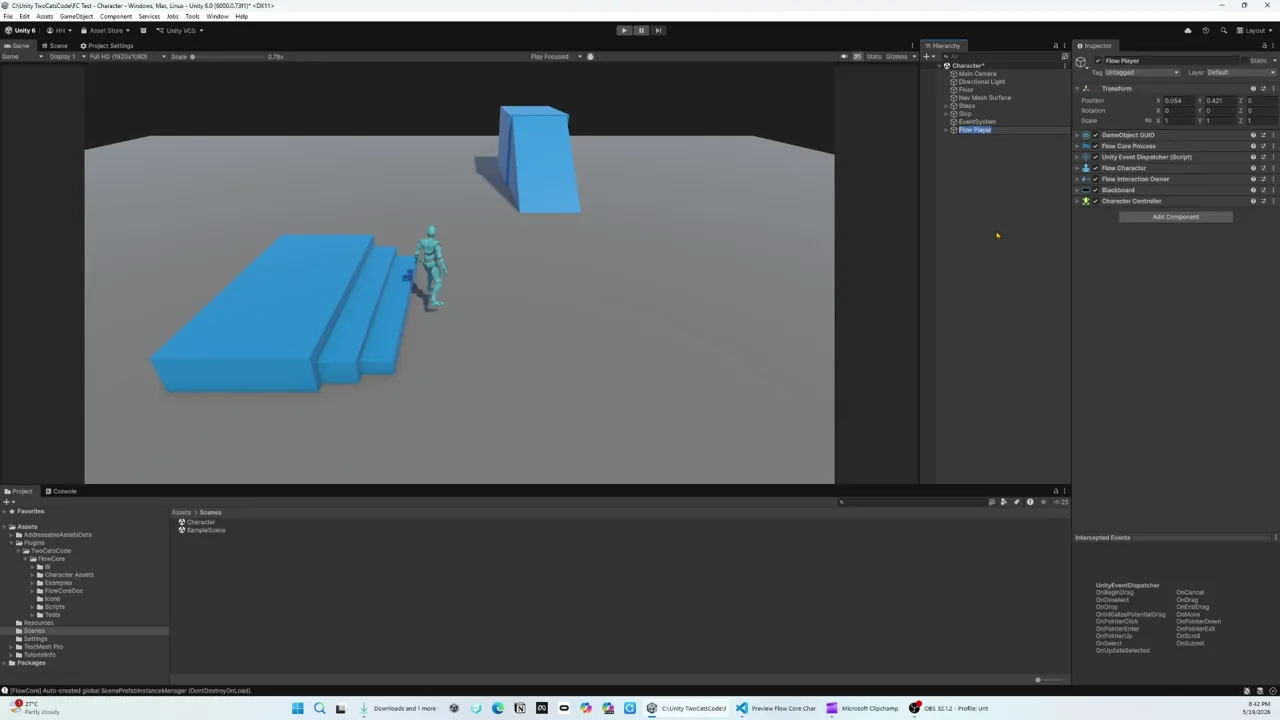 Video · 2:02Flow Character and Flow InteractionSee character behavior and interaction routing cooperate in one observable slice.