
Flow Stats
Stats and Effects with Flow Stats
Understand calculated Stats, mutable Resources, reusable Status Effects, and their runtime ownership.
- Audience
- Gameplay designers and developers
- Time
- 8 minutes
- Requires
- Basic Unity Editor familiarity
- Modules
- Flow Stats
On this page
Summary
Flow Stats separates three kinds of numeric gameplay state: calculated Stats, mutable Resources, and reusable Status Effects. Definition assets and a Profile hold authoring data; each initialized FlowStats component owns a private runtime copy.
The module is standalone. A FlowStats component can initialize and run without Flow Character, a FlowCoreProcess, or Blackboard.
Why It Exists
Gameplay numbers often have different jobs. Attack Power combines other values, Health is spent and restored inside a range, and Regeneration applies time and stacking rules. Treating all three as one generic number makes ownership, recalculation, persistence, and UI harder to reason about.
Flow Stats gives each job a distinct contract while keeping the definitions reusable across many runtime owners.
Mental Model
| Concept | Owns | Typical examples |
|---|---|---|
| Stat | A Base value, optional Formula contribution, modifiers, and an Effective result | Strength, Attack Power, Max Health |
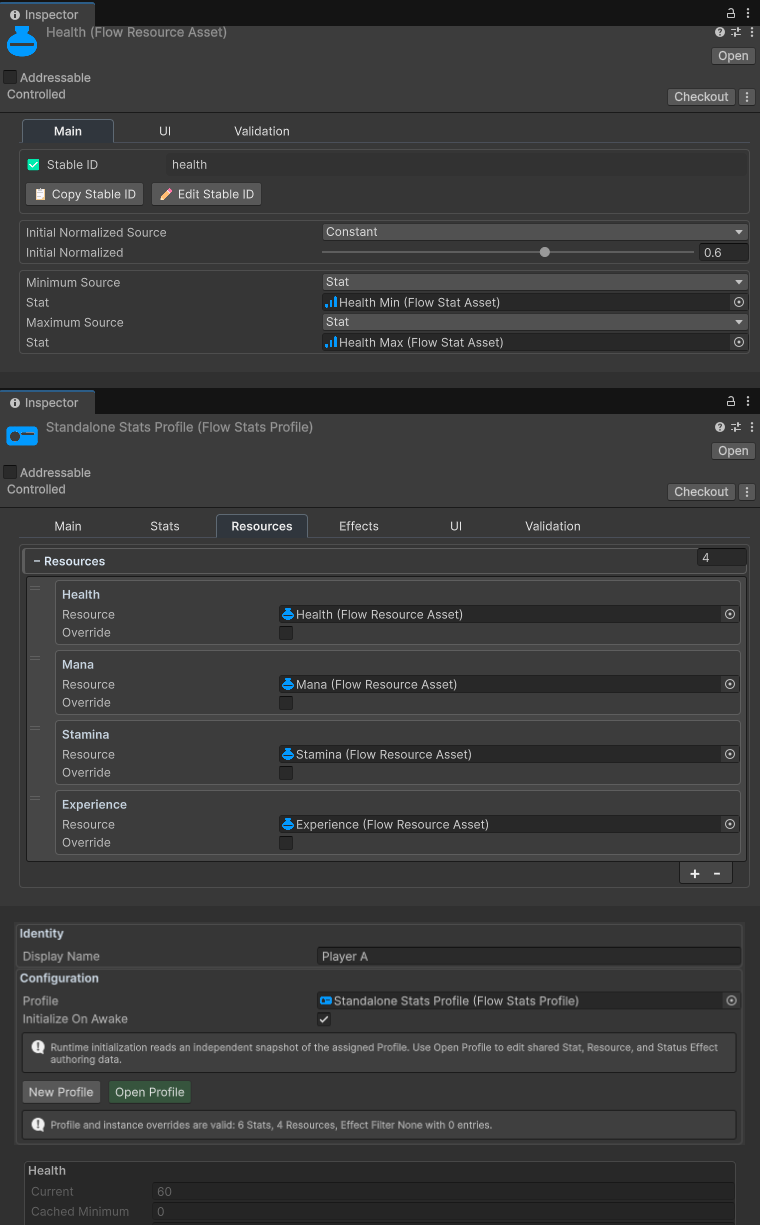
| Resource | A mutable Current value clamped to cached Minimum and Maximum boundaries | Health, Stamina, Mana |
| Status Effect | Lifetime, stacking, reapply behavior, and contributions to Stats or Resources | Poison, Regeneration, Shield |
A Profile is a reusable configuration, not a character’s live state. Two scene objects can reference the same Profile while keeping different Health values, Stat Base values, active stacks, and timers.

The runtime relationship is:
Definition assets + Profile
            ↓ initialize
FlowStats owner A     FlowStats owner B
private runtime       private runtime
Behavior Contract
- A Stat calculates
Raw = Base + Formula Contribution, applies its configured modifiers, then applies its cached Scale last to produce Effective. - A Resource owns Current and clamps it to cached Minimum and Maximum boundaries. Boundary sources are resolved during initialization or an explicit bounds refresh, not reread every frame.
- A Status Effect is an authoring definition. Each
FlowStatsowner stores its own active runtime instances, stacks, timers, and resolved contributions. - Profile and component overrides provide starting data. Changing an asset during Play Mode does not silently replace an already initialized runtime snapshot.
- Optional UI bindings, Event Graphs, Graph Instructions, C# APIs, snapshots, and persistence integrations all act on a particular runtime owner.
Design Implications
Use a Stat when the value is a capability that should recalculate from dependencies. Use a Resource when gameplay must spend, restore, set, and clamp a live amount. Use a Status Effect when a reusable rule needs duration, stacking, or repeated contributions.
Share definition assets and Profiles for consistent design. Resolve the intended FlowStats owner whenever gameplay changes a live value. Add Blackboard or persistence only when that integration is useful; neither is a base dependency of the module.
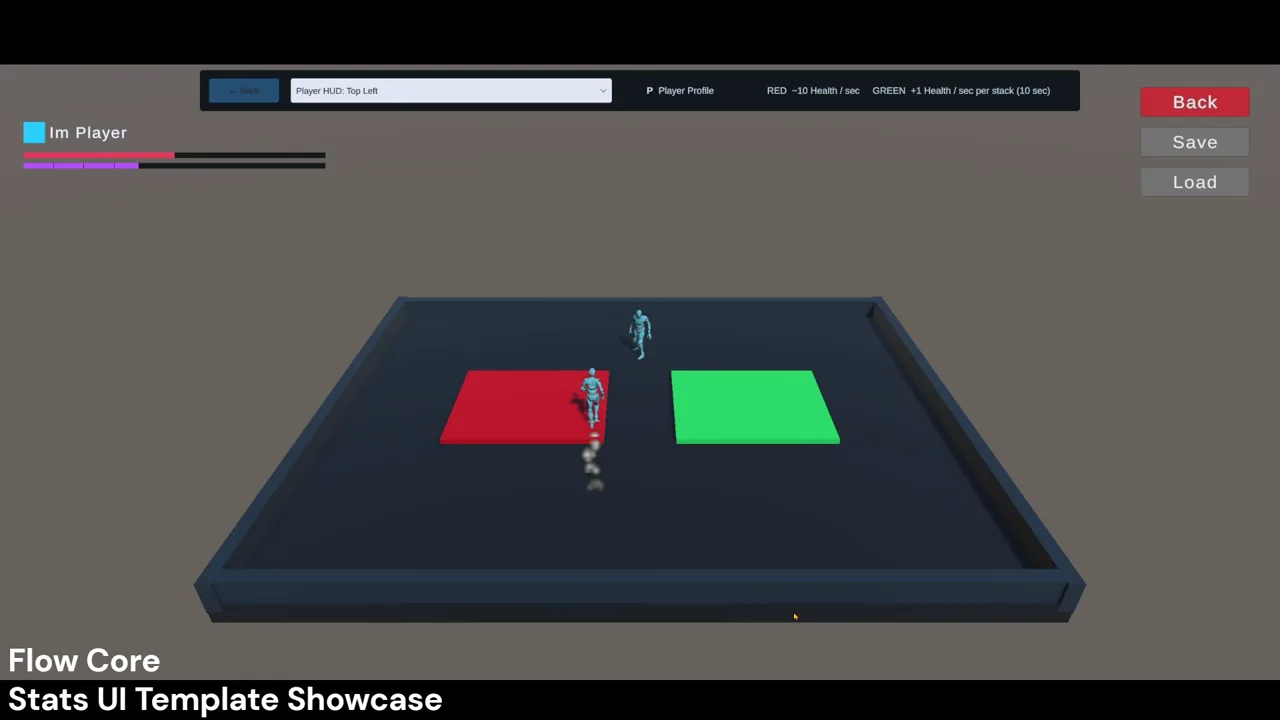 Video · 0:39Flow Stats UIWatch several runtime Stats UI layouts present data from selected owners.
Common Misunderstandings
- Sharing a Profile does not share live Health or active Effects.
- A Resource is not a calculated Stat with a different label.
- An instance override changes one component’s starting data; it does not create a private Profile asset.
- Formula results are additive to Stat Base, not a replacement for it.
- Editing authoring data in Play Mode does not automatically rebuild existing runtime state.
- Flow Stats does not require Flow Character, a graph process, or Blackboard to run.